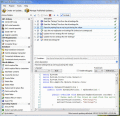
AppLife Update is a completely managed solution that was written specifically for .Net. Besides being a full featured automatic updating solution, AppLife Update was designed for easy integration into the software, install, and automated build.
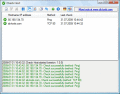
With Check Host you can easily monitor a server or the services of a server either with a ping or by establishing a socket connection (TCP or UDP). A notification is possible as desktop notification, via e-mail and by executing any other program.
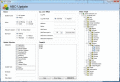
ABC-Update set you in control of MS Update operations. Pick machines from AD and push updates over network. With ABC-Update you get the updates exactly when you want them, and can also define max reboots, use filtering options to select updates
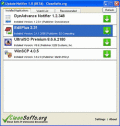
The Update Notifier is a small utility that scans your computer for installed software and displays a list of updates. Also you can see the latest updates for applications from your Watch List.
The Software Update Wizard lets you add 'update over the web' functionality to your applications with just a single line of code. You simply upload your revised software files, together with a simple script, to your web server. It works with Vista!
Automatically check the versions of the programs installed on your device and notify you if there are any updates. You will always be aware of the latest updates and will not use outdated versions of programs due to this application.
TrueUpdate is a software development tool for adding a "check for updates" feature to software applications. Distribute software updates to customers, with full Internet update and software patch management features. A complete live update system!
Smart Windows Updates Utility Pro allows you to download all of the current Windows Updates with a simple interface. All of the updates are contained in Update Lists which allows you to choose which updates you want for which version of Windows.
NetWrix Server Configuration Monitor is a free auditing tool to monitor server configurations and automatically document changes, including hardware devices, drivers, software, services, networking settings.
 HandyArchive